Bulk Edit WordPress Pages outcome
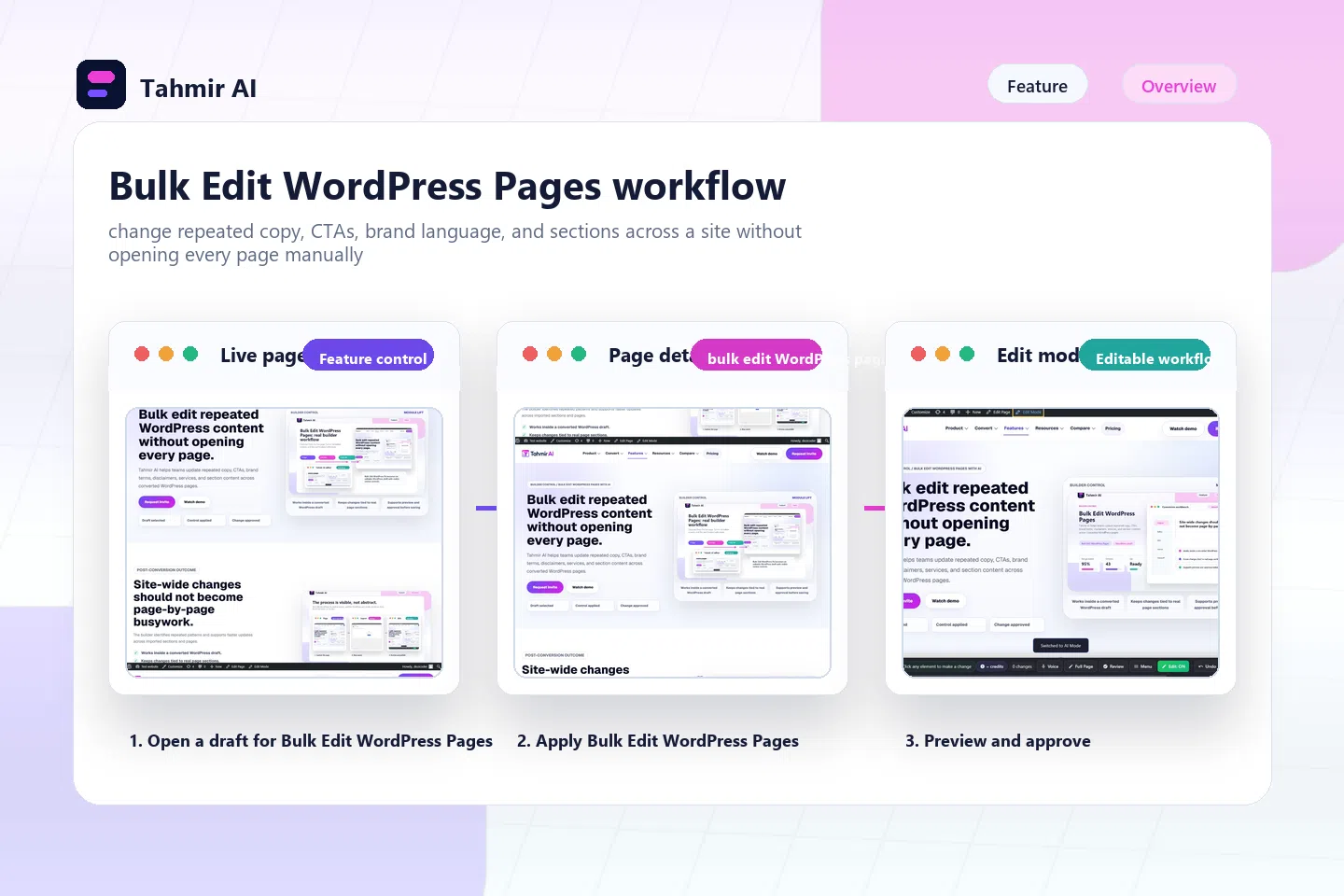
Site-wide changes should not become page-by-page busywork.


Builder control / bulk edit WordPress pages with AI
Tahmir AI helps teams update repeated copy, CTAs, brand terms, disclaimers, services, and section content across converted WordPress pages.
Direct answer
Bulk Edit WordPress Pages helps teams manage a converted WordPress draft after import, so the page can be reviewed, edited, checked, and handed off with clearer control.
Proof to look for
Bulk editing is valuable when agencies manage many pages or clients need repeated content changes.
| Source | Result | What to inspect |
|---|---|---|
| Converted draft | Bulk Edit WordPress Pages | Site-wide changes should not become page-by-page busywork. |
| Builder surface | WordPress control | The builder identifies repeated patterns and supports faster updates across imported sections and pages. |
| Human approval | Launch review | Teams review proposed changes before saving so global edits do not damage page context. |
Post-conversion outcome
The builder identifies repeated patterns and supports faster updates across imported sections and pages.
Inside the builder
Site-wide changes should not become page-by-page busywork.
The builder identifies repeated patterns and supports faster updates across imported sections and pages.
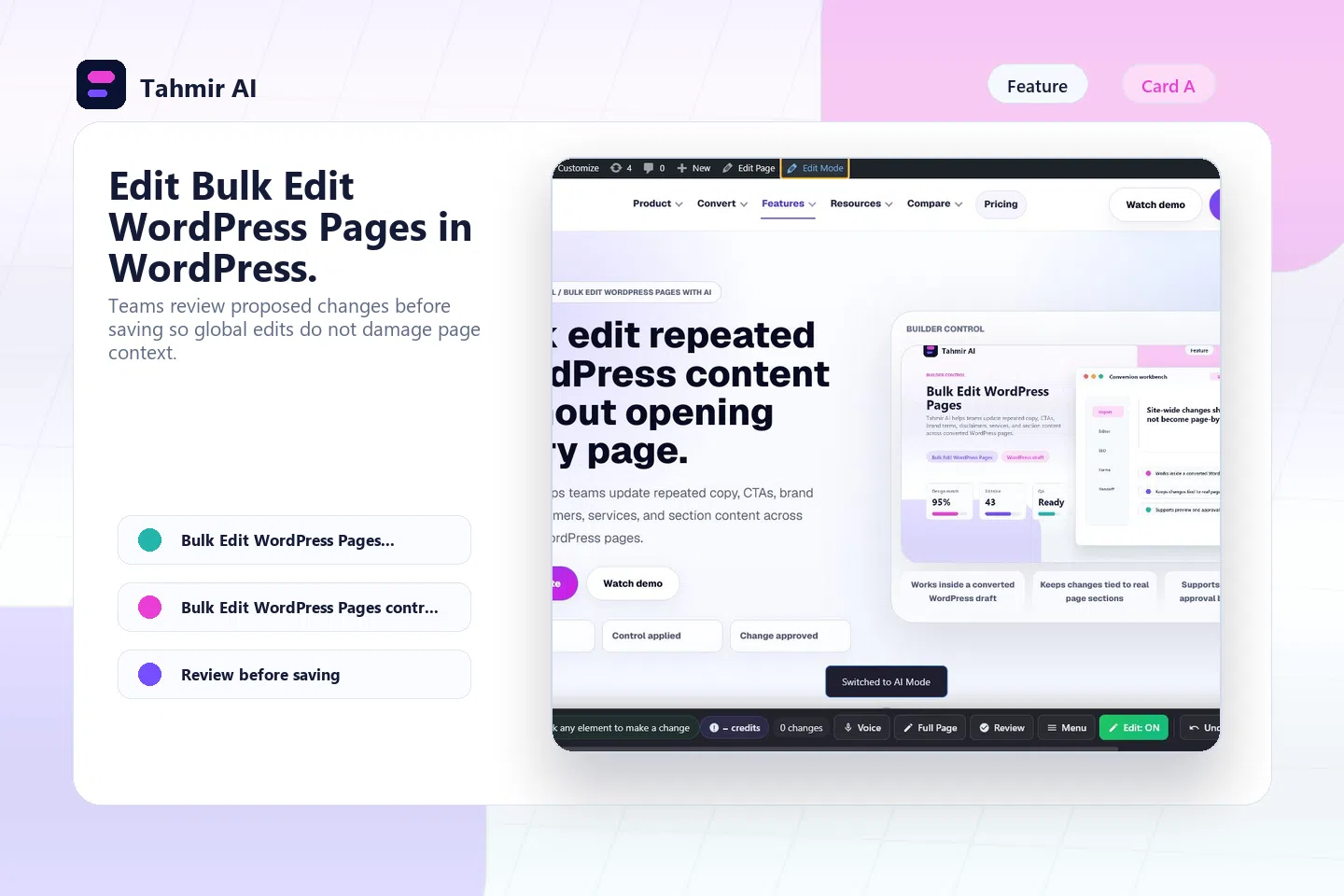
Teams review proposed changes before saving so global edits do not damage page context.

Bulk editing is valuable when agencies manage many pages or clients need repeated content changes.
Workflow
Use Bulk Edit WordPress Pages after the builder has already created an editable WordPress draft from an approved source.
The builder identifies repeated patterns and supports faster updates across imported sections and pages.
Teams review proposed changes before saving so global edits do not damage page context.
Bulk editing is valuable when agencies manage many pages or clients need repeated content changes.
Use bulk edits on a non-production draft before applying changes site-wide.
Post-conversion outcome
Teams review proposed changes before saving so global edits do not damage page context.
Site-wide changes should not become page-by-page busywork.
The builder identifies repeated patterns and supports faster updates across imported sections and pages.
Teams review proposed changes before saving so global edits do not damage page context.
Control proof
Bulk editing is valuable when agencies manage many pages or clients need repeated content changes.
Control review
Site-wide changes should not become page-by-page busywork.
The builder identifies repeated patterns and supports faster updates across imported sections and pages.
Teams review proposed changes before saving so global edits do not damage page context.
Bulk editing is valuable when agencies manage many pages or clients need repeated content changes.
Limitations
Site-wide changes should not become page-by-page busywork.
The builder identifies repeated patterns and supports faster updates across imported sections and pages.
Teams review proposed changes before saving so global edits do not damage page context.
Use bulk edits on a non-production draft before applying changes site-wide.
FAQ
Site-wide changes should not become page-by-page busywork.
The builder identifies repeated patterns and supports faster updates across imported sections and pages.
Teams review proposed changes before saving so global edits do not damage page context.
Use bulk edits on a non-production draft before applying changes site-wide.
Next steps
Use see the agency workflow to choose the next source path, compare the decision in Global Sections, and validate the builder flow with hand off websites to clients safely. When launch is closer, review Case Studies and watch real conversion demos.
Invite access
Use Bulk Edit WordPress Pages on a converted draft so the team can see how the control behaves on real page content.