Suitable input
Use the published page and inventory any Framer-specific animations, forms, CMS collections, analytics, localization, and custom code before conversion.
Start with the published page your client approved. Compare the WordPress result, review responsive fidelity, and test the first content edit.

Tahmir uses the published Framer page as the visual reference for a WordPress delivery, then puts fidelity, editability, and performance into one review checklist.
Use the published page and inventory any Framer-specific animations, forms, CMS collections, analytics, localization, and custom code before conversion.
The supported page is prepared as a WordPress draft so the team can compare layouts and test the content changes expected after handoff.
Framer CMS data, forms, localization, custom components, and advanced motion may require manual recreation or a WordPress-specific replacement.
Keep building in Framer. Use Tahmir for a defined WordPress delivery and review process.




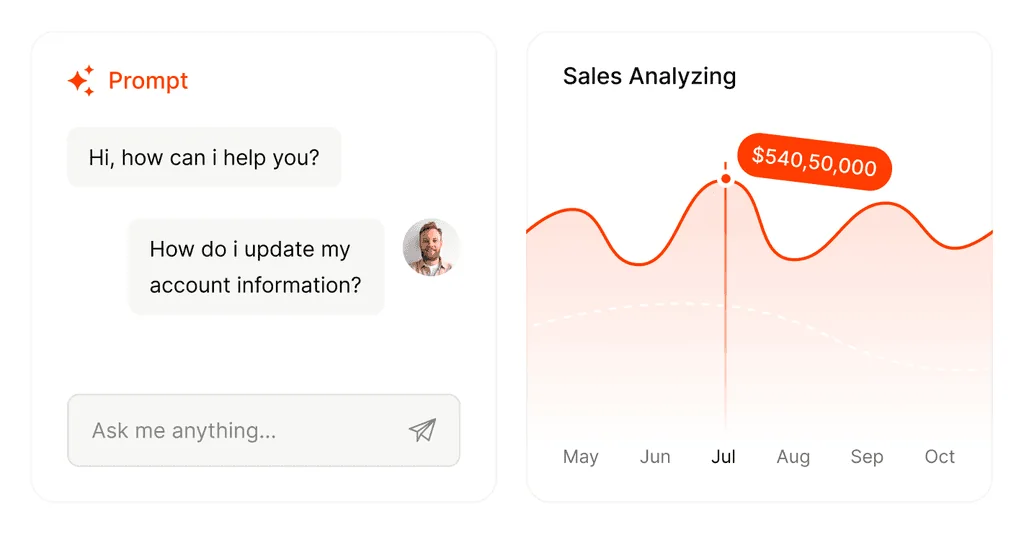
Use the published page as the point of comparison.
Check the WordPress output for search foundations.
Use the Agency plan across multiple client websites.
Start with the published framer page your team already approved.
Prepare supported content in a private WordPress review environment.
Review fidelity, SEO, performance, responsive behavior, and editing.
Identify manual work and test the first client change before launch.
Animation behavior depends on the source implementation. Treat complex motion as a separate acceptance check and recreate unsupported effects where needed.
Use the published Framer page at agreed desktop and mobile widths, plus a list of required interactions and content edits.
Ask the client or account manager to change one headline, image, link, and repeated content item before sign-off.
Start with the free plugin, then choose a Pro license for visual editing, forms, AI tools, SEO, analytics, and client delivery.
Swipe to compare plans →
| Feature | Free plugin$0No license needed | Single Site Pro$19/year1 website | Agency Pro$99/year100 websites | Lifetime Pro$199One time · 100 websites |
|---|---|---|---|---|
| Import & publish | Included with the Free plugin | |||
| Clone a public URL | ✓ | ✓ | ✓ | ✓ |
| Import an HTML ZIP | ✓ | ✓ | ✓ | ✓ |
| Display imported pages | ✓ | ✓ | ✓ | ✓ |
| Manage imported pages | ✓ | ✓ | ✓ | ✓ |
| Edit & grow | Unlock with a Pro license | |||
| Visual editor | — | ✓ | ✓ | ✓ |
| Page modules | — | ✓ | ✓ | ✓ |
| Create and edit forms | — | ✓ | ✓ | ✓ |
| Form submissions and entries | — | ✓ | ✓ | ✓ |
| Form integrations | — | ✓ | ✓ | ✓ |
| Form email notifications | — | ✓ | ✓ | ✓ |
| AI tools | — | ✓ | ✓ | ✓ |
| SEO and AI search tools | — | ✓ | ✓ | ✓ |
| Website analytics | — | ✓ | ✓ | ✓ |
| Revenue Insights module | — | ✓ | ✓ | ✓ |
| Experiments and smart traffic | — | ✓ | ✓ | ✓ |
| MCP access | — | ✓ | ✓ | ✓ |
| Client delivery | — | ✓ | ✓ | ✓ |
| License | One active plan per checkout | |||
| Licensed websites | No license needed | 1 | 100 | 100 |
| Billing | Free | Annual | Annual | One time |
| Get Tahmir | Download for Free Now | Buy now | Buy now | Buy now |
Pro is a separate add-on. Keep Free active and activate a valid Pro license; your imported pages and form data carry over. AI services may also require credits or provider configuration. Already using Free? Compare upgrades.

Judge the WordPress result by the preparation, editing, repair, and review work still required.
Download for Free Now